Open your doors with Kisi
Members get door access while their membership allows it, and lose it when it doesn't, without anyone at the desk.
With Kisi connected, door access follows your memberships: a member gets the doors their plan opens while their membership is active, and loses them when it ends, is frozen or is held back by a declined payment.
Before you start
- Your business is on the Starter plan or above, and you have the Settings permission. The Owner and Managers have it.
- You have a Kisi account, with your doors in Kisi access groups.
Connect Kisi
-
In your Kisi dashboard, create an API key under Account → API. This step happens in Kisi.
-
In Finegym, open Integrations and click Connect next to Kisi.
-
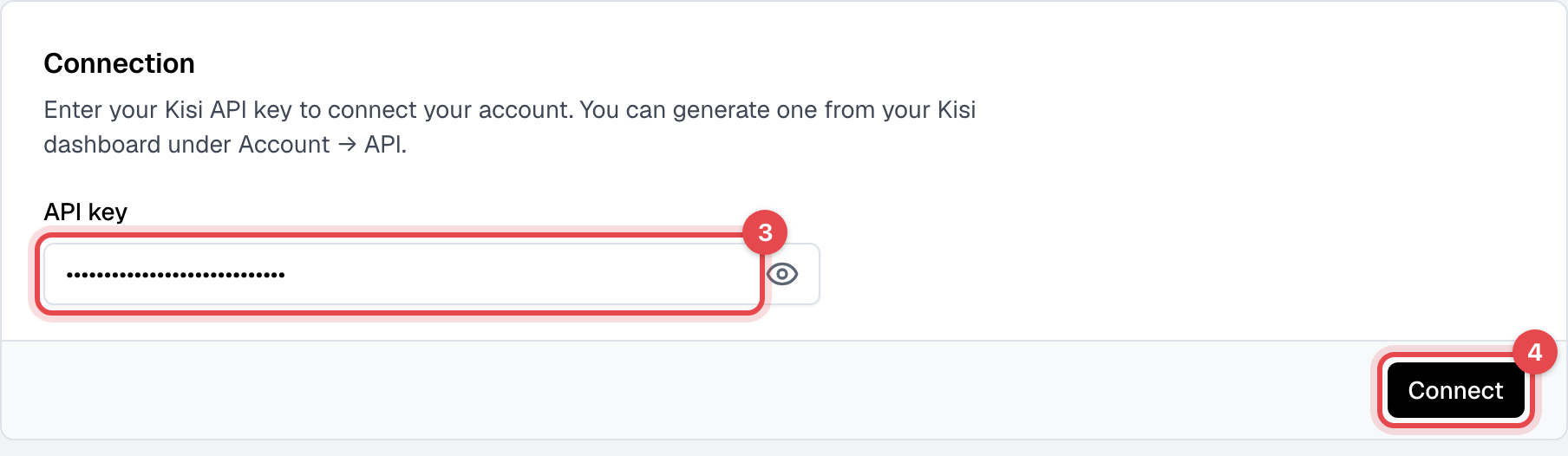
Paste the key into API key.
-
Click Connect. Finegym brings in your Kisi access groups.
Choose which plans open each door
- Under Access groups, click Edit next to a group.
- Under Sync memberships, tick the membership plans whose members may use it.
- Click Save.
Added or removed a group in Kisi? Click Refresh to bring the list up to date. It also updates itself once a day.
What happens next
- A member gets the groups their plans open while a membership on that plan is active, and loses them when it ends or is canceled or frozen, when they're blocked, or when a declined payment holds the membership back. They get them back when that changes.
- Most changes reach Kisi within seconds, and anything missed is put right within about 10 minutes. If Kisi can't be reached, Finegym keeps trying until it can.
- Every night, Finegym checks each member's doors in Kisi. Someone added to or taken off a mapped group by hand in Kisi is set back to match their memberships.
- Members not yet in Kisi are added with their email address; Kisi doesn't email them about it. They open doors with Kisi, signed in with that email.
Good to know
- No email, no door. Kisi knows people by email address, so a member without one, such as a child added to a family, can't be given door access.
- Groups no plan opens are never touched, and neither is anyone's manager or admin role in Kisi.
- "Door access is out of sync for … members" on the Kisi page means Kisi refused several tries for those members, and it keeps trying; the message shows the last error. Most often the API key was revoked in Kisi. To use a new key, disconnect, connect again with it, and map your groups again.
- Disconnect removes your group mappings. Members keep the access they have in Kisi until you change it there.