How integrations work
What each service Finegym connects to does for you, what it needs, and where it's set up.
Integrations connect Finegym to services you already use: texts through Twilio, doors through Kisi, online classes through Zoom, bookings from Wellhub, your books in QuickBooks Online, and thousands of other apps through Zapier. Each one needs an account with that service; Finegym does the rest.
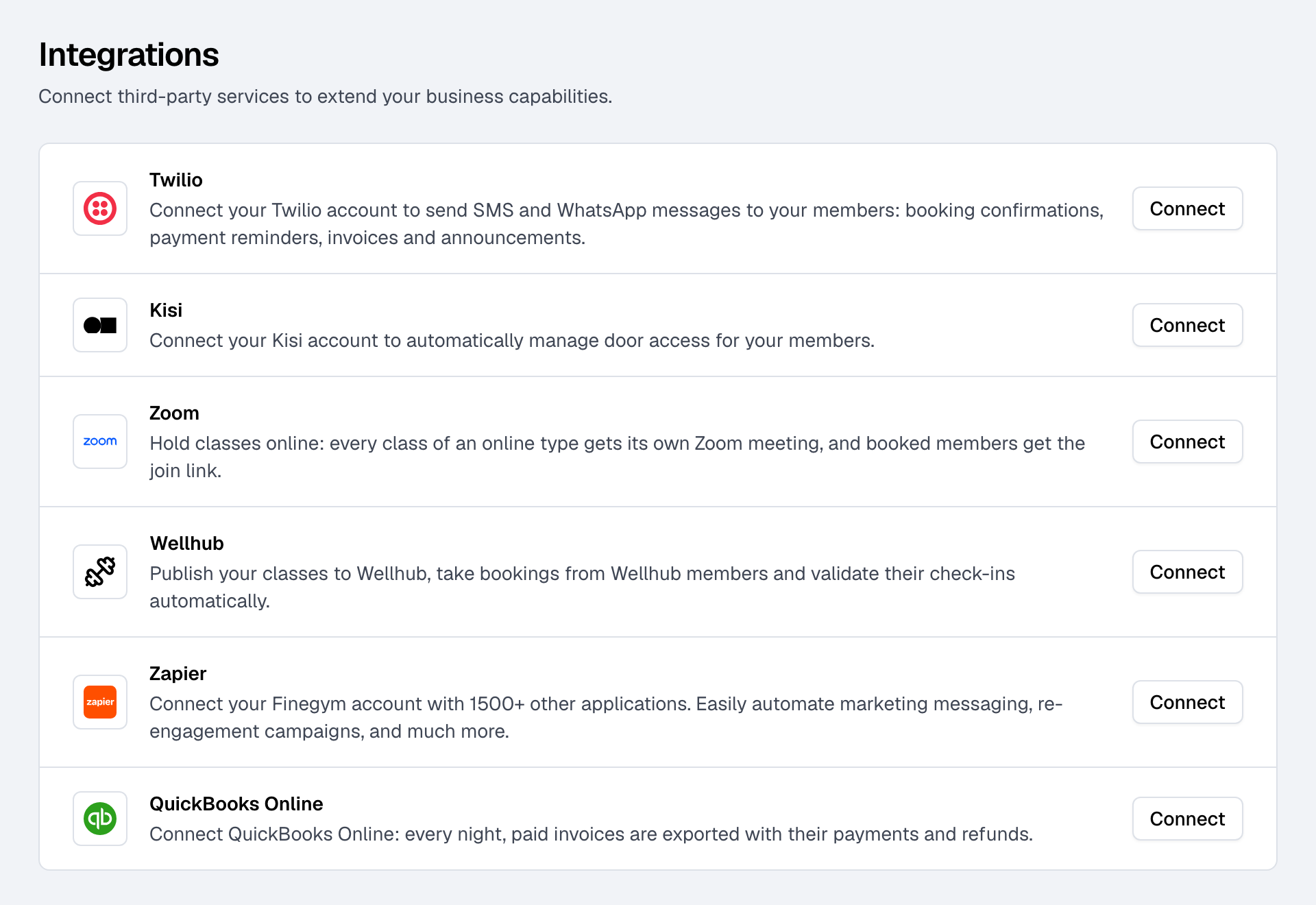
What each one does
| Integration | What it does | You need | Guide |
|---|---|---|---|
| Twilio | Sends your members texts or WhatsApp messages alongside your emails. | A Twilio account with a phone number | Send text messages with Twilio |
| Kisi | Opens your doors for members whose membership allows it, and closes them when it ends. | A Kisi account and its API key | Open your doors with Kisi |
| Zoom | Gives every online class its own Zoom meeting and sends booked members the link. | A Zoom account | Online classes with Zoom |
| Wellhub | Publishes your classes in the Wellhub app, takes Wellhub members' bookings and validates their visits. | A Wellhub partnership | Take bookings from Wellhub |
| Zapier | Connects Finegym to thousands of other apps: new members, bookings and leads go where you want. | A Zapier account | Connect other apps with Zapier |
| QuickBooks Online | Exports your paid invoices, payments and refunds to your books every night. | A QuickBooks Online company | Send your sales to QuickBooks Online |
| Google Calendar | Keeps members from booking appointments with a staff member while their Google Calendar says they're busy. | Each staff member's own Google account | Sync your calendar |
The first six are under Integrations in Settings. Each staff member connects their own Google Calendar, from the calendar's sync page.
Who can connect them
- The Starter plan or above. On the Free plan, each card on Integrations shows Upgrade to unlock for the owner, and "Ask the owner to upgrade." for everyone else. See Finegym plans and billing.
- The Settings permission to connect, change or disconnect one. The Owner and Managers have it.
Connected or not
A connected integration shows Connected next to its name, and Manage opens its page (Zapier's Options instead leads to Zapier, or revokes its access). Connect starts the connection: for Kisi, Twilio and Wellhub you enter details from that service's account; for Zoom, QuickBooks Online and Zapier you sign in on their site and allow Finegym in.
Disconnecting stops the integration from then on. What it already did stays: texts sent, doors already given, invoices already in your books.