Customize email templates
Turn each automatic email on or off, choose when reminders go out, and write your own text.
Finegym emails your members and staff when something happens: a class is booked, a payment goes through, a membership is about to end. Each email is a template you can switch off, and reminders go out at the time you choose.
Before you start
You need the Settings permission. The Owner and Managers have it.
Turn an email on or off, or change when it's sent
-
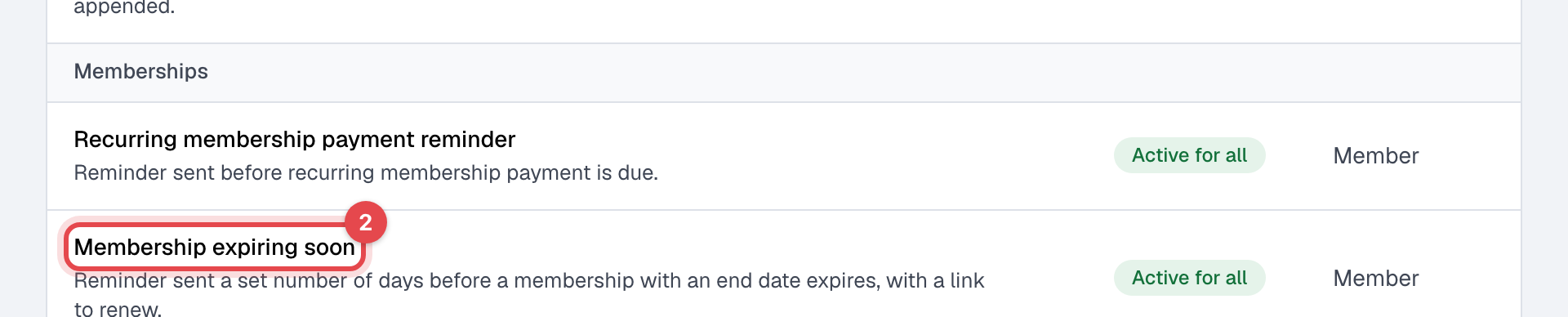
Open Email templates. The emails are grouped by what they're about, with who gets each one and its Status: Active for all, Partially active (on for staff or for members only) or Inactive.
-
Click the email's name. To find it, search, or filter by Recipients.
-
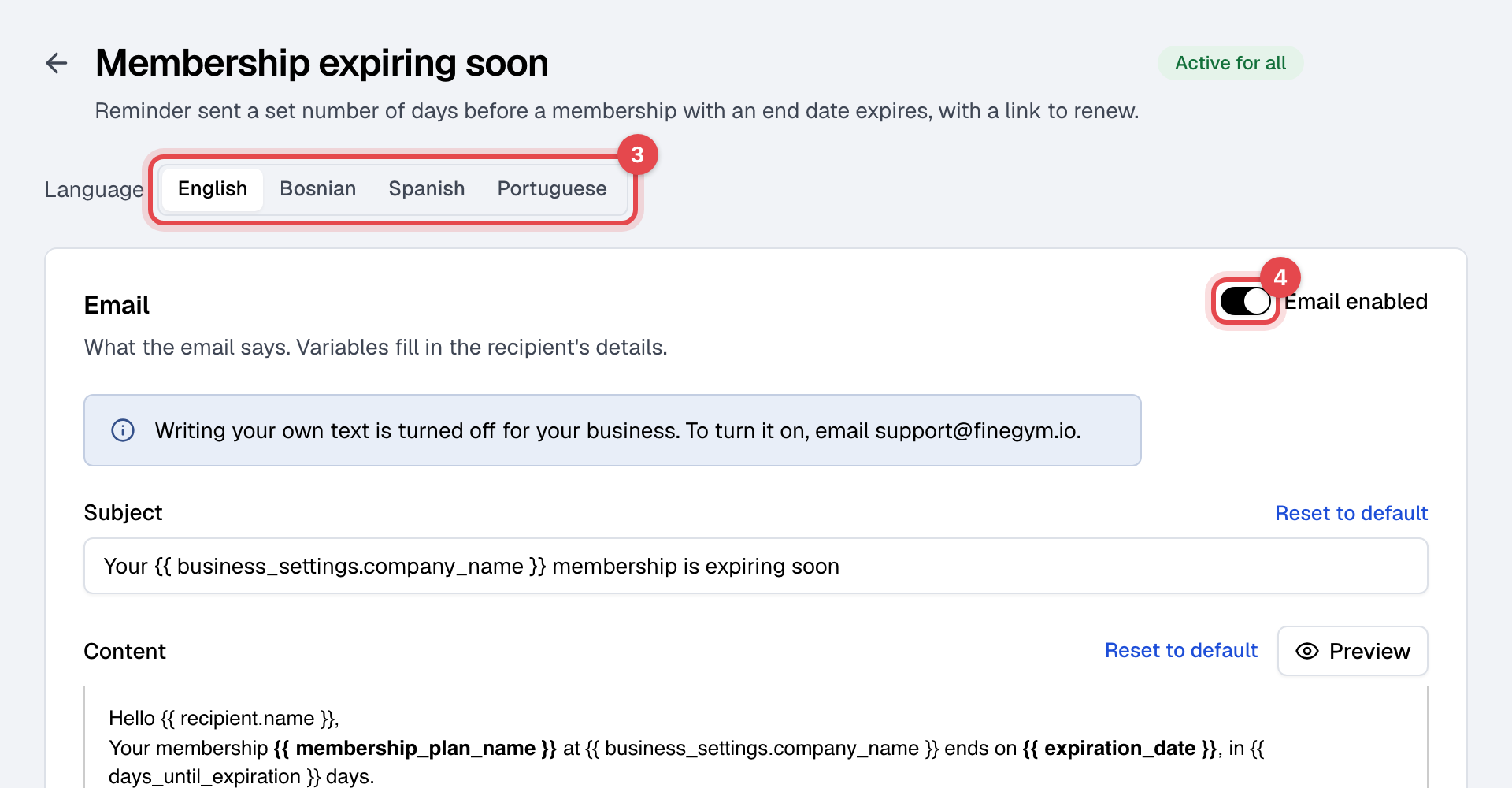
For an email that goes to both, pick Staff or Member next to Sent to: each has its own settings. Language switches the text you're reading.
-
To stop sending it, switch off Email enabled.
-
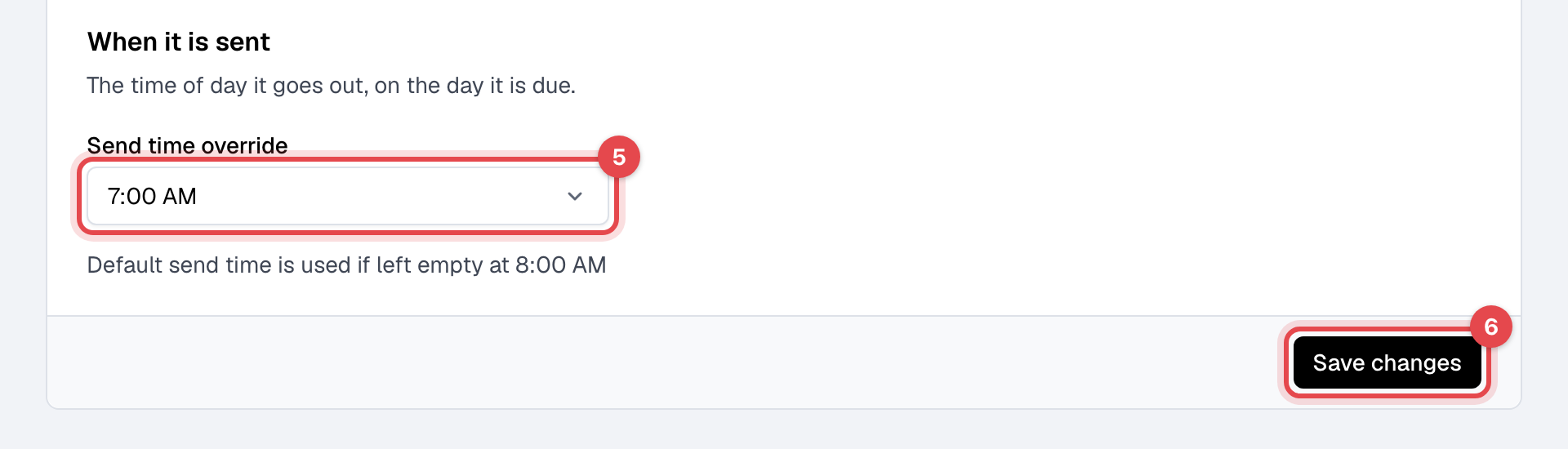
Three emails go out on a schedule: Recurring membership payment reminder, Membership expiring soon and Happy birthday. For these, pick a Send time override under When it is sent. Left empty, they go at 08:00, on your business's clock.
-
Click Save changes.
Write your own text
Writing your own text is off for every new business: the template's page says "Writing your own text is turned off for your business. To turn it on, email support@finegym.io." Once it's on, each email has a Subject and Content in every language:
- Pick a Language and write that language's text. Members get the email in their own language.
- Insert variable adds details that change per email, such as the member's name or your business's name. Only the email's own variables work: saving refuses a misspelled one, or one that belongs to another email, and names it.
- To leave a line out when its variable is empty, wrap it in
{% if %}and{% endif %}, for example{% if amount_due %}Amount due: {{ amount_due }}{% endif %}.{% else %}and{% elif %}work too; no other{% %}tag does. - Preview shows the email; Reset to default puts Finegym's text back.
What happens next
- An email you switch off isn't sent to that group from then on.
- Emails come from Finegym's address with your business's name as the sender, so a reply doesn't reach you. Several of them give your Customer service email instead.
Good to know
- Many emails also have an SMS section: a text to the member's phone, with its own SMS enabled switch, off until you turn it on. It can be turned on once Twilio is connected.
- Membership expiring soon goes the number of days before the end set under Member retention in General settings.
Related
- A member didn't get an email
- Send text messages with Twilio
- Campaigns, for marketing emails you write yourself