Get the app
Install the Finegym member app and sign in with the email your business has for you.
The Finegym app is where you book classes and appointments, show your check-in code, and see your memberships, invoices and documents. It's free, for iPhone and Android.
Before you start
- The business needs to have you as a member, with your email address. If you have no account yet, create one on its website: see Sign in or create an account.
- You need a password. If you were added by the business, set it with the Set up your account link in your welcome email first.
Steps
-
Install the Finegym app: from the App Store on an iPhone, or Google Play on Android. Your welcome email links to both.
-
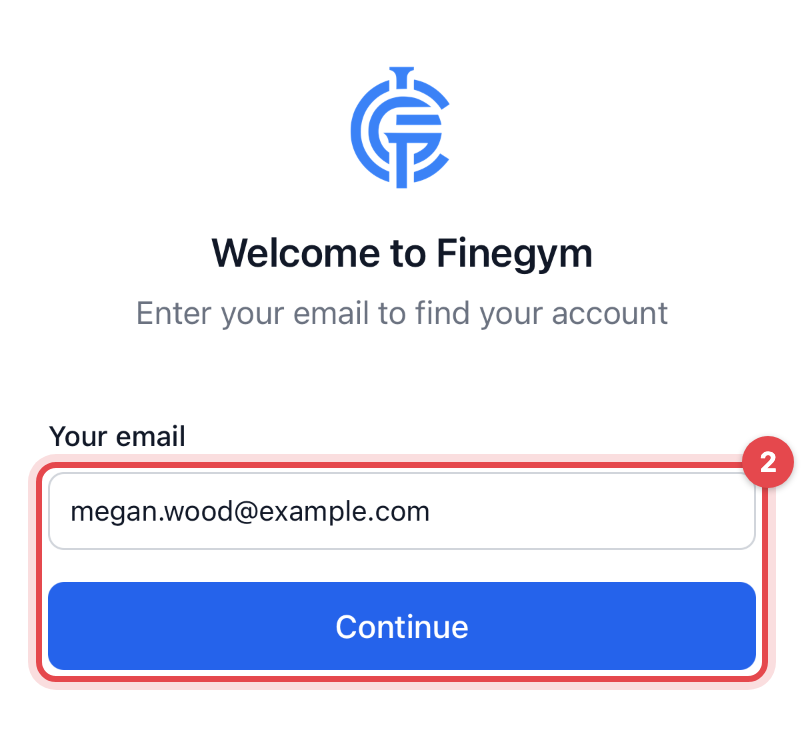
Open the app. Under Your email, enter the email address the business has for you, and tap Continue.
-
If you're a member at more than one business, choose this one under Choose where to sign in.
-
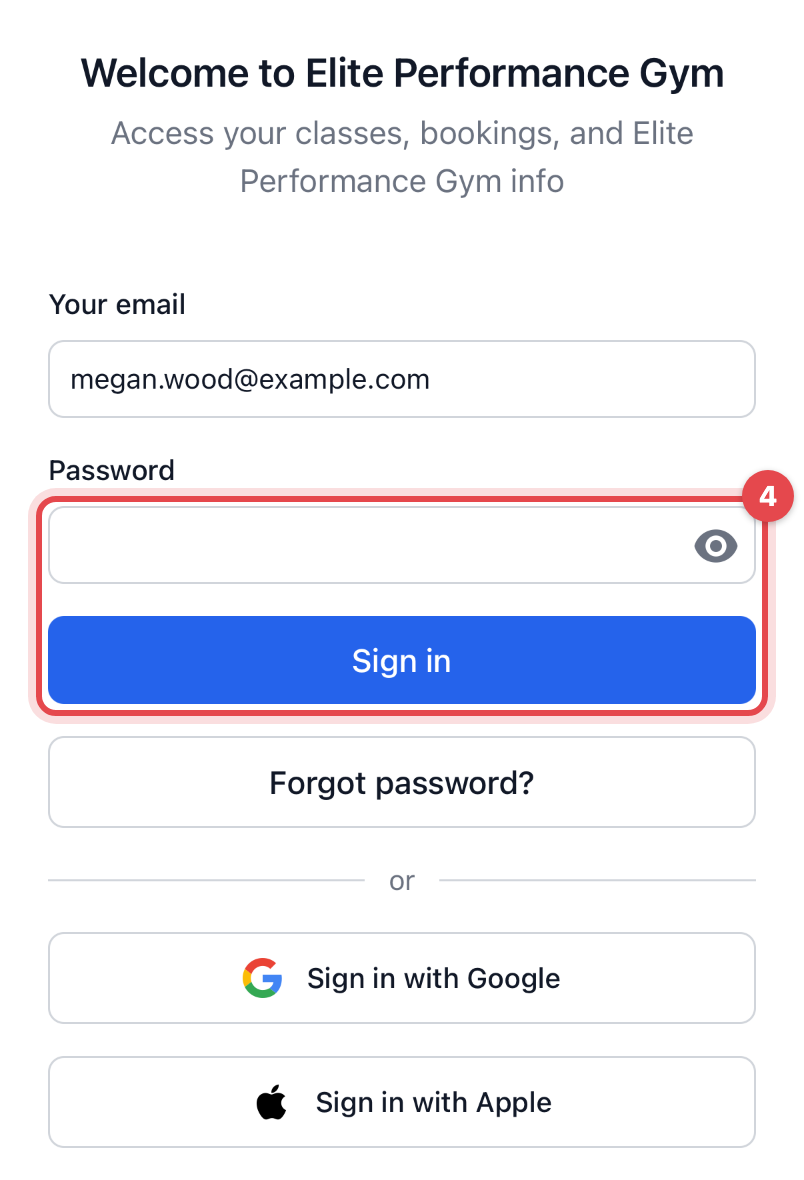
Enter your Password and tap Sign in. On an iPhone you can use Sign in with Apple instead, or Sign in with Google on either phone.
What happens next
You land on Home: buttons for your QR Code, Memberships, Attendances and Invoices, then your next bookings, open invoices and anything waiting for your signature. The tabs at the bottom are Home, Reservations (what you've booked), Schedule (classes and appointments to book) and Menu (everything else).
You stay signed in until you tap Sign out at the bottom of Menu.
Good to know
- The app doesn't find your email: the business has you under another address, or hasn't added you yet. Ask the front desk which email they have for you.
- Google and Apple sign you in only when that account's email is the one the business has. Apple's "Hide my email" gives a different address, so use your password instead.
- Forgot your password? Tap Forgot password?, then Reset password, and open the link in the email you get to choose a new one.
- A member at two businesses? Tap Sign in somewhere else on the sign-in screen, or sign out and choose the other business.
- Your business may have its own app under its name. It works the same way.