Your family
Add your children to your account, book them into classes, and pay and sign for them.
A family lets the people you're responsible for, usually your children, train on your membership. Whoever manages the family books for them, pays their invoices and signs their documents.
Before you start
Someone in the family needs a membership the business sells as Shareable with family. You can set the family up first, but nobody in it can book on that membership until someone holds one.
Set up your family
-
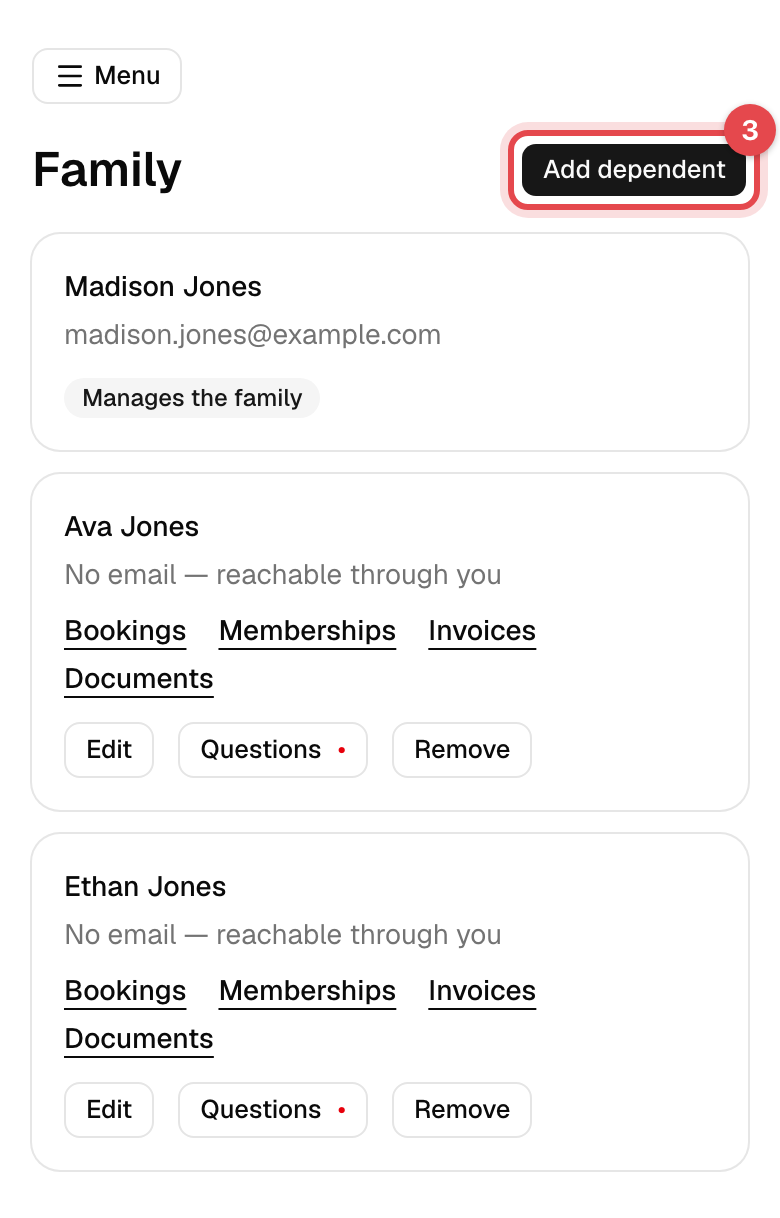
On the website, open Account, then Family in the account menu. In the app, tap Menu, then Family.
-
No family yet? Tap Start a family. You become the one who manages it.
-
Tap Add dependent, enter their Full name and, if you like, their date of birth, and tap Add dependent.
Book for someone in your family
-
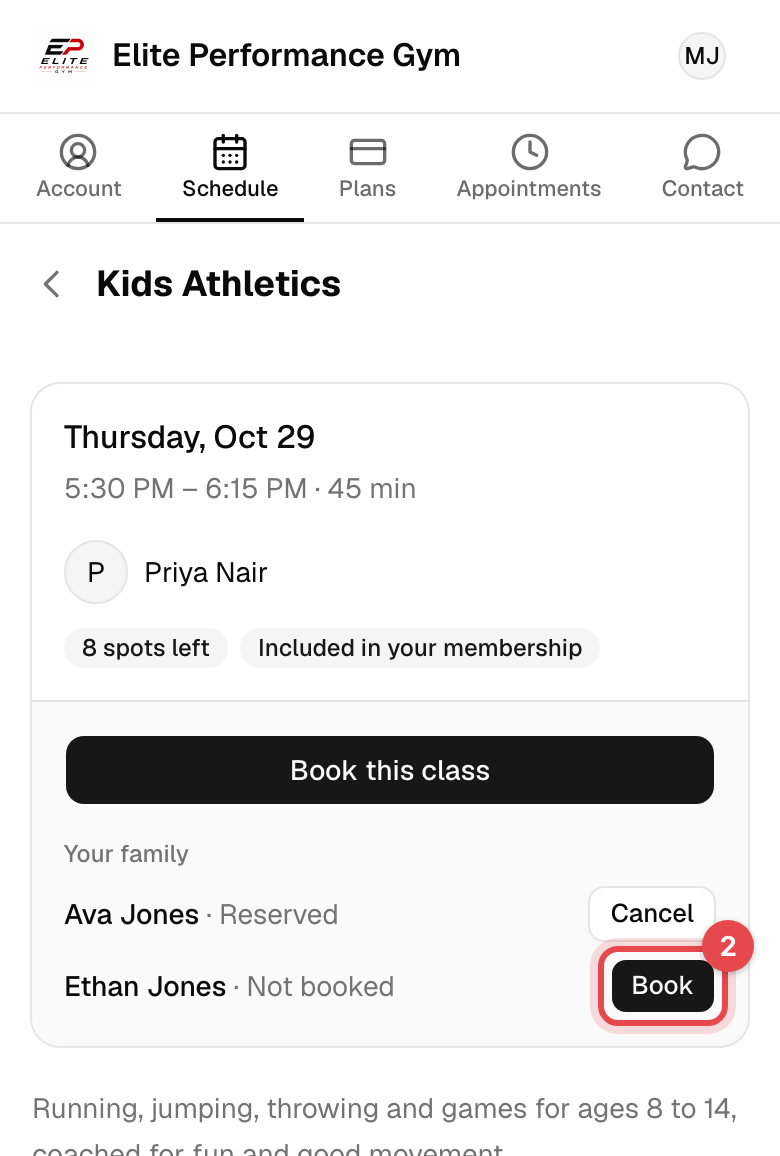
Open the class on the Schedule. Under Your family, each person shows whether they're booked.
-
Tap Book next to them, then Confirm booking. When the class is full, Join waitlist instead.
For an appointment, choose them under Who is it for? before you book.
What happens next
- They're booked on the shareable membership, and the confirmation email comes to you.
- Reservations, Invoices, Documents, Memberships and Attendances show one person at a time: tap You or a name at the top to switch. On the website, the buttons on each person's row in Family go straight there.
- Open a relative's invoice to pay it with your own card, or their document to sign it for them. The signed copy records that you signed on their behalf.
Good to know
- Only the family's manager can add, edit, remove and book for others. Holding the shareable plan doesn't make you one: ask the business.
- Dependents don't sign in. Everything for them comes to you. To add someone with their own account, such as a partner, ask the business.
- Edit or Remove someone from their row on the website, or by tapping them in the app. Removing keeps their history.
- Questions on a dependent's row is where you answer what the business asks about them, such as an emergency contact.
- A drop-in you pay for is for your own appointment only, and buying or canceling a plan is for your own memberships.