Share your website
Every business gets its own website, where visitors book and buy and members sign in.
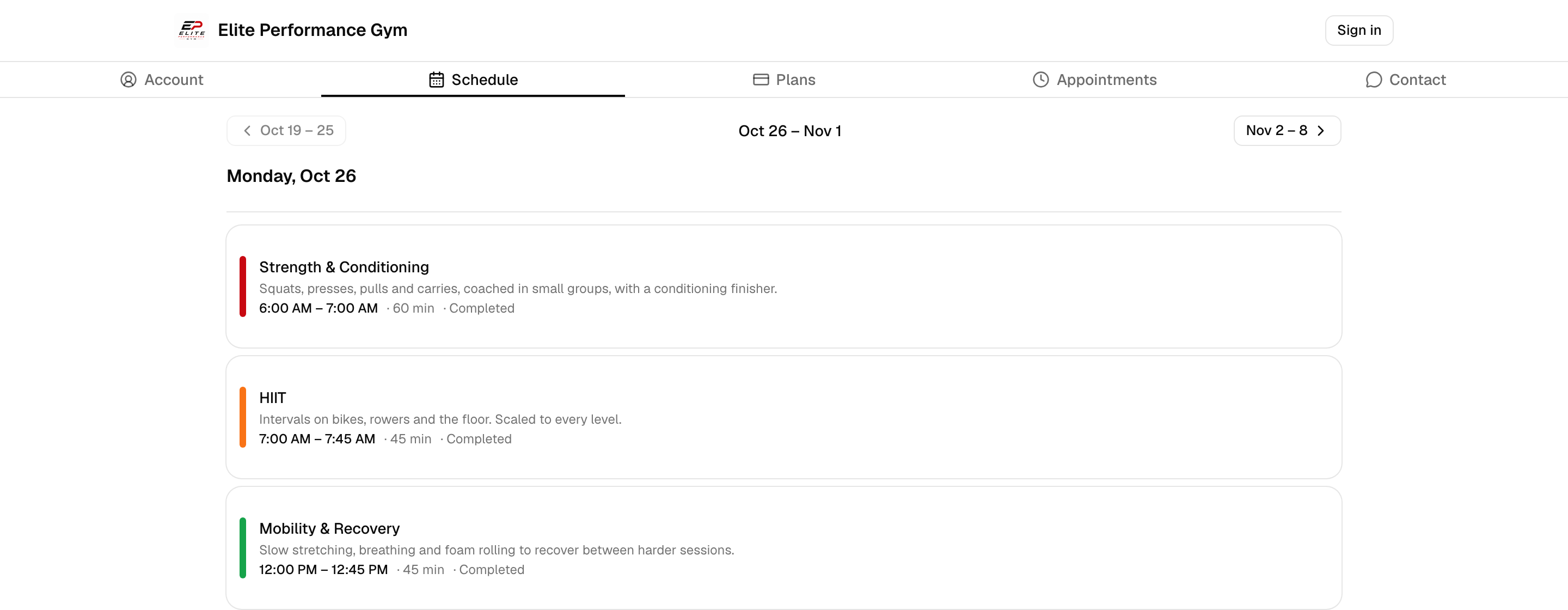
Every business on Finegym has its own website, with nothing to set up: your class schedule,
membership plans and appointments, open to anyone, and an account area where your members sign in.
Its address is https://<your Business ID>.sites.finegym.io.
Before you start
You need the Settings permission to open the page with its links. The Owner and Managers have it.
Share it
-
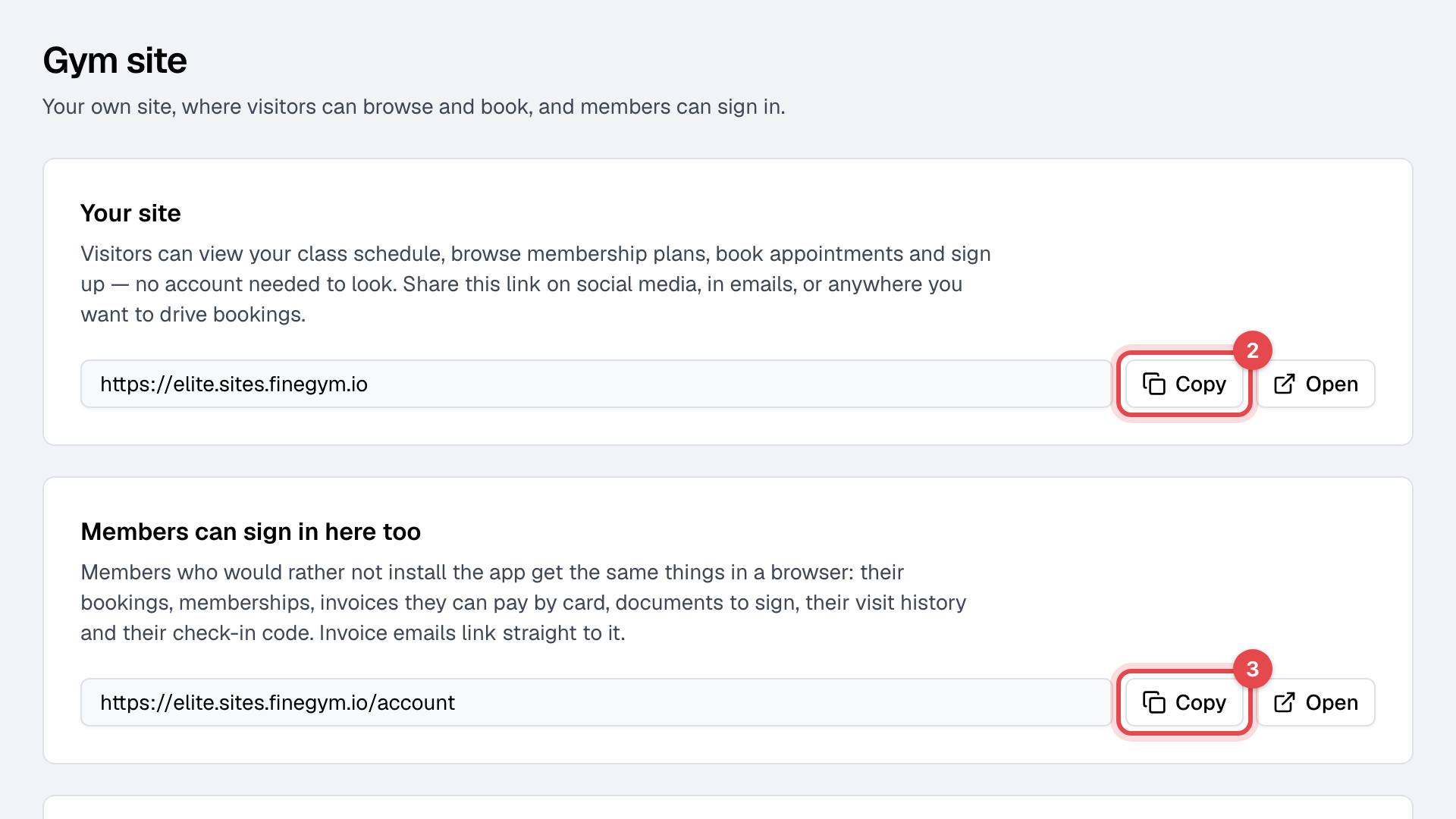
Open Gym site, under Online in Settings.
-
Under Your site, click Copy, and put the link wherever people find you: social media, your emails, your Google Business profile. Open shows the site.
-
Under Members can sign in here too, click Copy for the members' link, and send it to members who would rather not install the app.
What's on it
| Page | What visitors and members do there |
|---|---|
| Schedule | See your classes week by week, with their times and spots left, and book one. |
| Plans | Compare your membership plans and buy one. |
| Appointments | Pick an appointment type, a day and a time, and book. |
| Contact | Send your inquiry form. Each one becomes a lead: see Collect inquiries from your website. |
| Account | Members sign in to see their bookings and memberships, pay invoices by card, sign documents, see their visits and show their check-in code. |
A visitor who books or buys creates an account on the way, and pays by card if there's something to pay.
What happens next
- Your classes and appointment types appear as you schedule them. A membership plan appears only with Show on website switched on in the plan: see Create a membership plan.
- The site shows your business's name and logo from General settings, and every time on your business's clock.
- Invoice emails link members straight to the invoice on the site, to pay it.
Good to know
- There is no switch to turn the site off: it's where your members sign in.
- Taking card payments online needs your bank connection: see Accept card payments.
- To put the schedule, plans or booking on a website you already have, use embed widgets. To measure visits and sales, see Track your website's visitors.