Stripe Bank Connection & Payment Processing
Connect Stripe so you can accept card payments.
Location: Settings → Bank Connection
This tab is only visible to business owners.
Stripe handles all payment processing in Finegym. Connect your Stripe account to start accepting card payments from members.
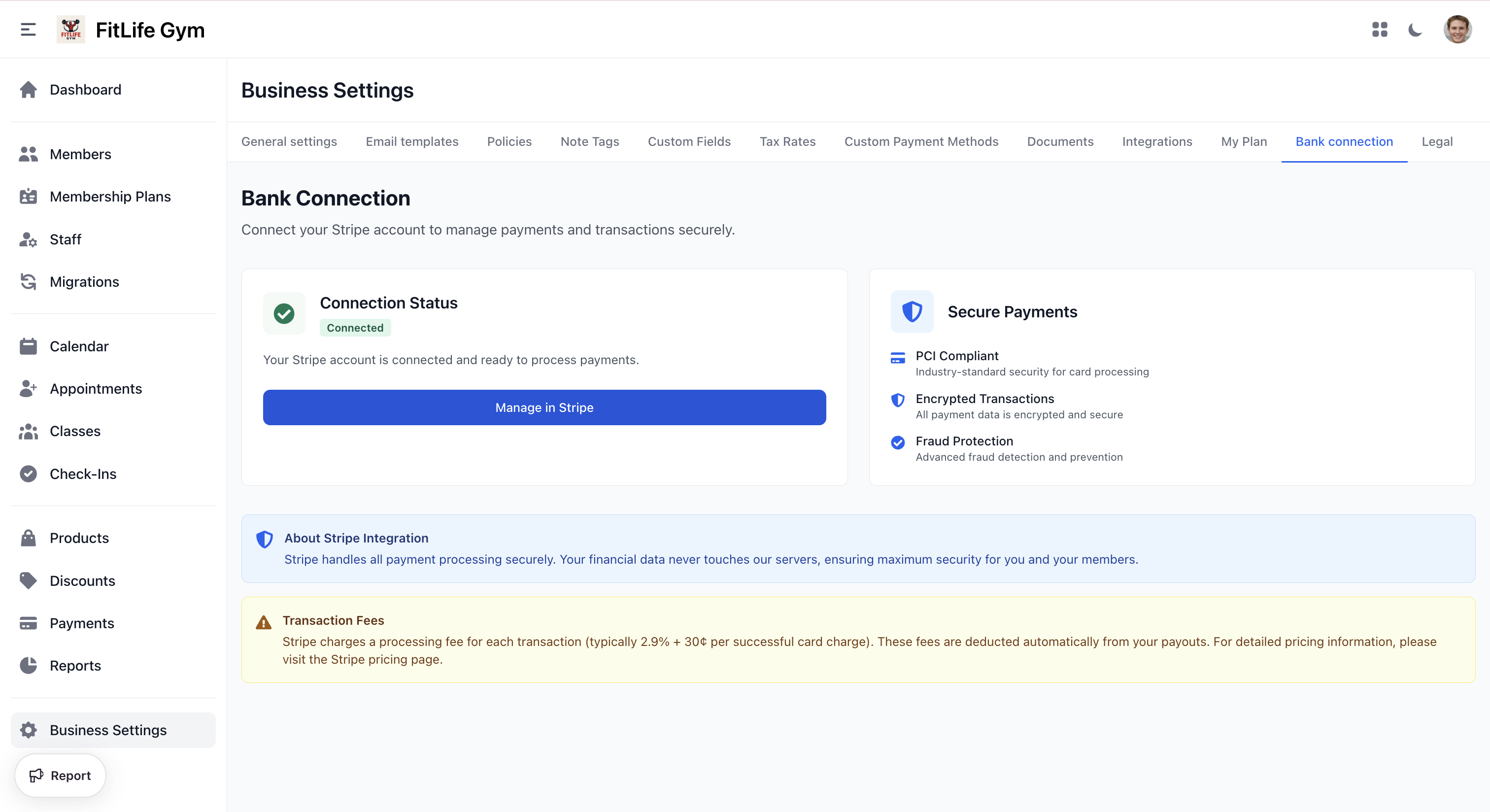
Connection Status
- Connected — Your Stripe account is ready to process payments. Click Manage in Stripe to access your Stripe dashboard.
- Action Required — Your Stripe account is connected but can't take payments yet because Stripe still needs more information. See Finishing a restricted account below.
- Not Connected — Click Connect to Stripe to set up payment processing.
Setting Up Stripe
- Click Connect to Stripe
- Sign in or create a Stripe account
- Authorize the Finegym connection
- Complete Stripe business verification
Finishing a Restricted Account
Stripe sometimes shows its onboarding page as "successfully submitted" while it still needs a few more details before it will turn on payments — for example an ID number, a payout bank account, or a business tax ID. Until those are provided, your status stays Action Required and you can't accept payments.
When this happens, the Bank Connection page lists exactly what's missing under "Stripe still needs the following:". To resolve it:
- Click Continue onboarding
- Complete the fields Stripe asks for
- Return to Finegym — the status becomes Connected once Stripe enables payments
If the page instead says Stripe is reviewing your information, there's nothing to do — Stripe is still verifying what you submitted, which can take a little while. Check back shortly.
Related Topics
- Payments & Invoices - Processing payments with Stripe
- Integrations - Twilio SMS and WhatsApp setup