Accept card payments
Connect your Stripe account so members can pay by card and staff can charge cards.
Finegym takes card payments through Stripe. Connect your business's Stripe account once, and card payments go straight to it, then to your bank.
Before you start
- Only the Owner can do this. Managers don't see the bank connection.
- Have your business's details and the bank account for payouts ready. If you don't have a Stripe account, you create one along the way.
Steps
-
Go to Bank connection: in Settings, under Payments.
-
Click Connect to Stripe.
-
On Stripe's pages, sign in to Stripe or create an account, and give Stripe your business details and the bank account it pays out to. Stripe sends you back to Finegym at the end.
-
Check the status. Connected means you can take cards.
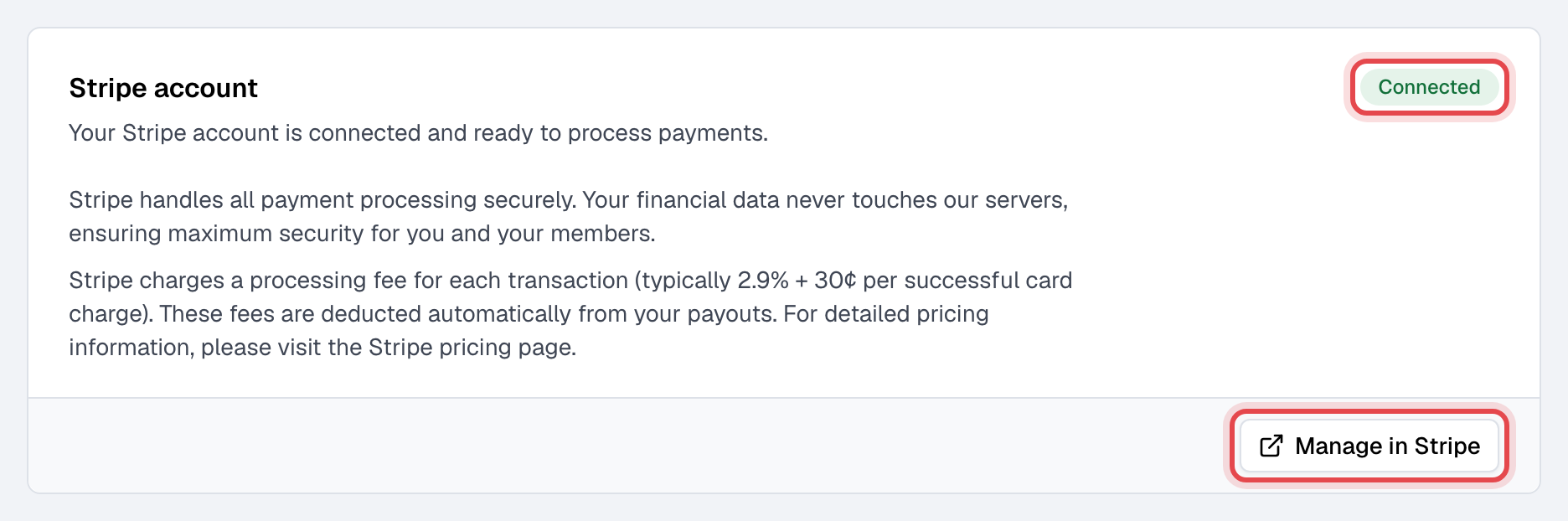
If it reads Action required, Stripe still needs details before it turns payments on. The page lists them under "Stripe still needs the following:". Click Continue onboarding and finish them.
What happens next
- Members can pay by card when they buy a membership or an appointment in the app or on your website, and pay their open invoices there. A card used for a recurring plan is saved and charged at each renewal.
- Staff can choose Saved card (charged now) or New card (Stripe checkout) when they take a payment, and sell memberships paid by card.
- Fees and payouts: Stripe takes its fee from each card payment and pays the rest out to your bank. Manage in Stripe opens your Stripe dashboard, where you see both.
Good to know
- Until you connect, the card choices show as unavailable, and memberships can't be paid by card.
- Refund card payments from the invoice in Finegym. A refund made in your Stripe dashboard isn't recorded in Finegym.
- Finegym has no disconnect button. Disconnecting removes the cards your members saved, so card memberships can't be charged until they add a card again. To change Stripe accounts, write to support@finegym.io.