How the calendar works
Every class and appointment in one place, by day, week or month, with what each person on your staff can do from it.
The Calendar shows every class and appointment of the business, for every coach, on your business's clock. Everyone on your staff can open it.
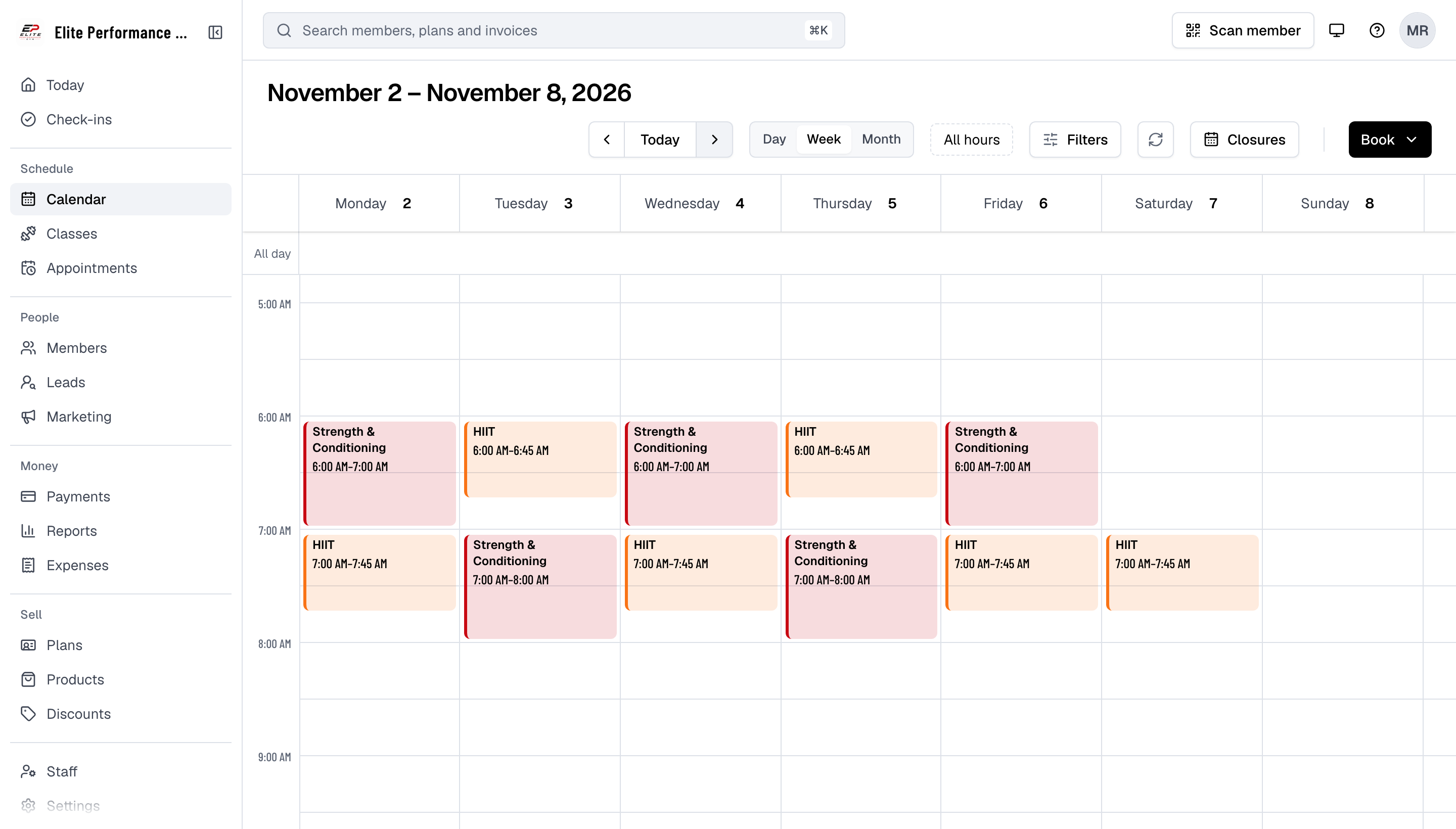
Views
- Day, Week and Month switch the view; the arrows and Today move through it.
- Day and Week show the usual working hours, stretched to fit everything on screen. All hours shows the whole 24 hours.
- Month shows the first two items of each day and "+3 more" for the rest; click it to open that day in Day view.
- Each class and appointment takes the color of its class type or appointment type.
- A day in a closure is marked closed, with the reason.
Filters
Filters narrows the calendar to one Staff / coach, Appointment type or Class type. Show classes and Show appointments hide either kind.
Opening a class or an appointment
Click an item to open its panel: the time, how many are booked, the coach and who is booked.
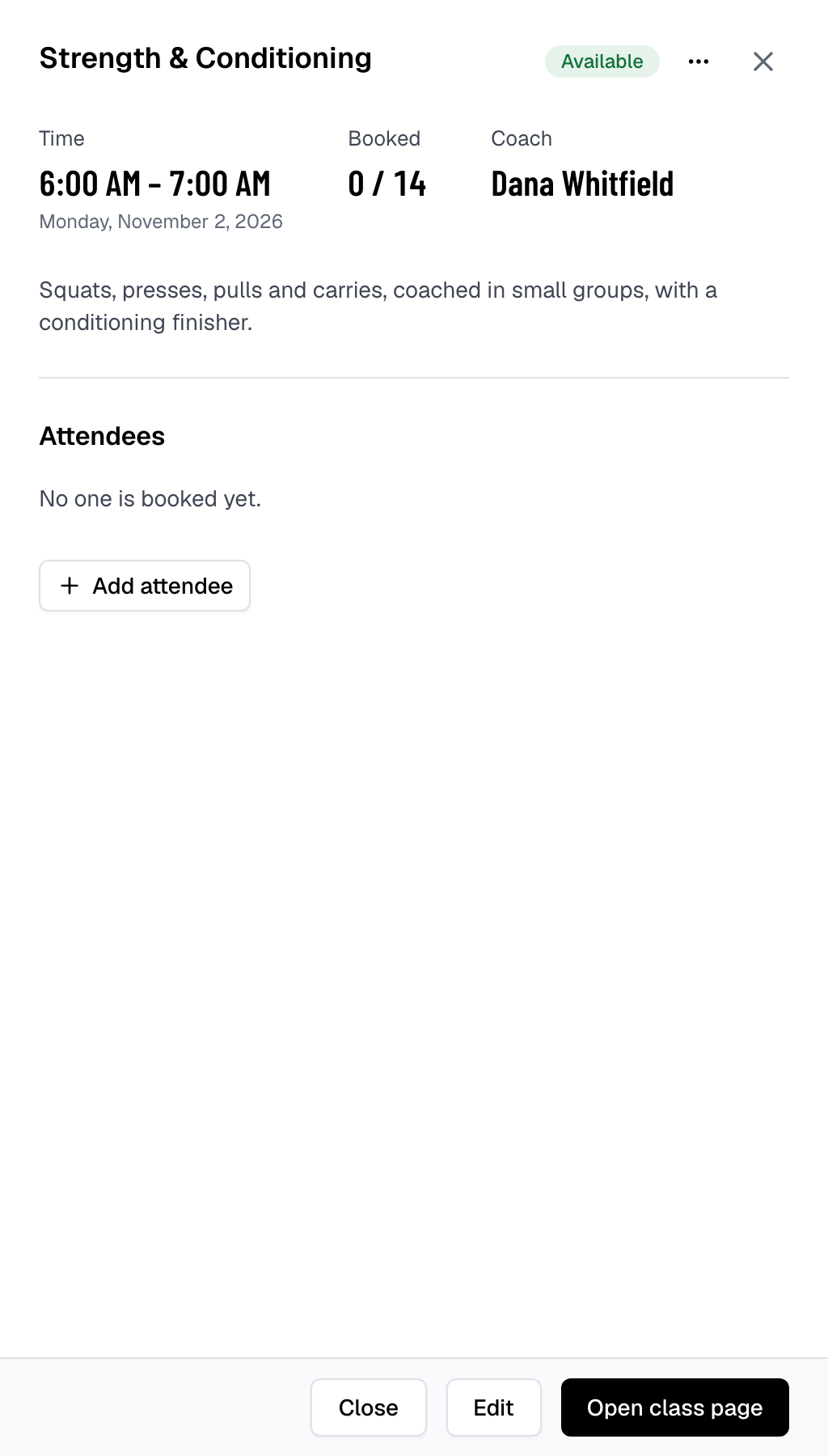
From the panel you can check members in, cancel a booking, Edit the time or coach, delete a class or cancel an appointment from its menu, and Open class page for everything else, such as the waitlist.
Adding from the calendar
Book offers Class (to schedule classes) and Appointment (to book an appointment). Clicking an empty time offers the same, with the date and time filled in.
What each person can do
| On the calendar | Who |
|---|---|
| See everything | All staff |
| Schedule, edit and delete classes | Schedule permission: Owner, Manager |
| Book members in and cancel bookings | Bookings permission: Owner, Manager, Front desk; a Coach on their own classes and appointments |
| Check members in | Check-ins permission: the same people |
Staff without a permission still see the item but not the button for it. See Roles and permissions.
Related
- Sync your calendar: see your schedule in Google, Apple or Outlook Calendar
- Schedule classes
- Book an appointment for a member
- Add a closure